
- Home
- Email Tips and Tricks
- Which Counterintuitive Email M ...


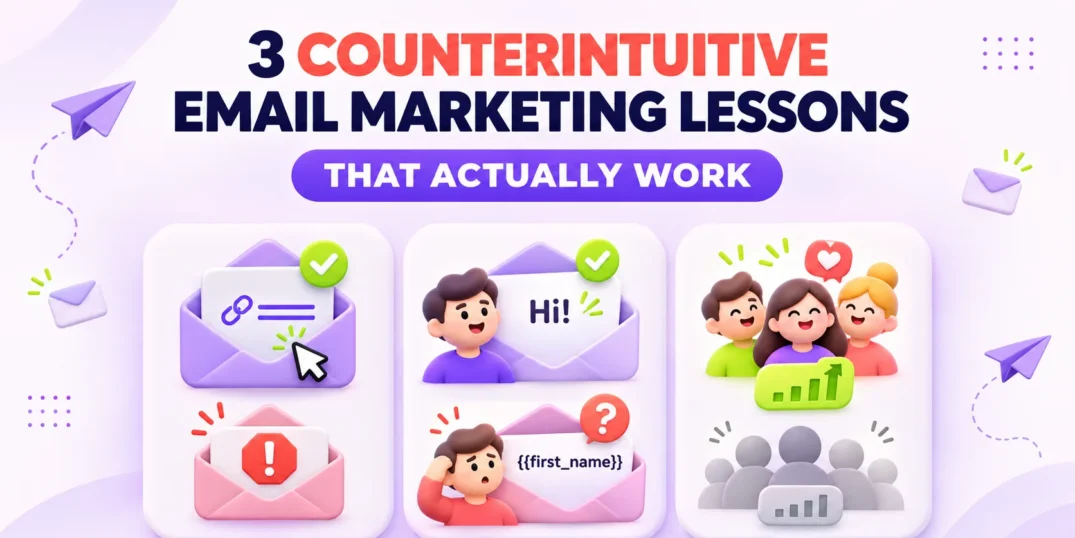
Some of the most effective email marketing practices initially feel like mistakes. Making it easy to unsubscribe, sending a simpler email instead of forcing personalization, and removing inactive contacts can all seem counterproductive.
In reality, these decisions can protect your sender reputation, improve engagement, and help your emails reach the subscribers who genuinely want them.
The short answer
Three counterintuitive email marketing tactics often produce better results:
- Make the unsubscribe link easy to find.
- Use personalization only when your data supports it.
- Prioritize an engaged list over a large but inactive one.
These practices work because email marketing success depends on relevance, consent, and engagement—not simply retaining the highest possible number of contacts.
1. Why should you make the unsubscribe link easy to find?
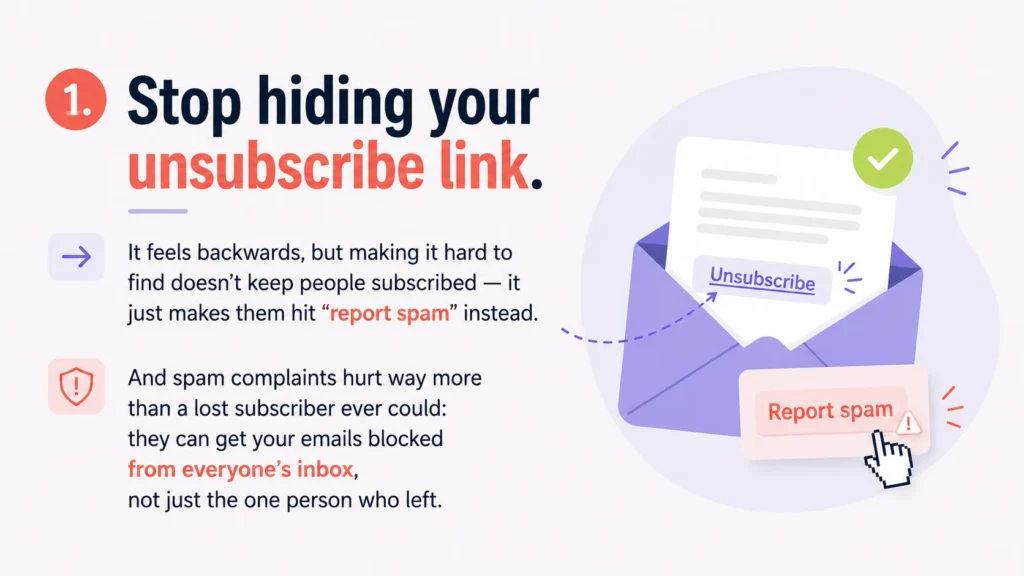
Making your unsubscribe link difficult to find does not prevent people from leaving. It simply makes the spam button a more convenient alternative.
A subscriber who no longer wants your emails has two obvious choices:
- Unsubscribe
- Report the message as spam
An unsubscribe removes one uninterested contact. A spam complaint sends a negative signal to the mailbox provider and may affect how your future emails are filtered.
If complaint rates begin to rise, messages sent to people who still want to hear from you may also be routed to spam or filtered more aggressively.
What should an unsubscribe link look like?
Your unsubscribe option should be:
- Easy to locate
- Clearly labeled
- Readable on mobile devices
- Simple to complete
- Included in every applicable marketing email
Do not disguise the link using unusually small text, low-contrast colors, or vague wording. Losing one subscriber is far less damaging than encouraging that person to report your email as spam.
2. Is personalized email always more effective?
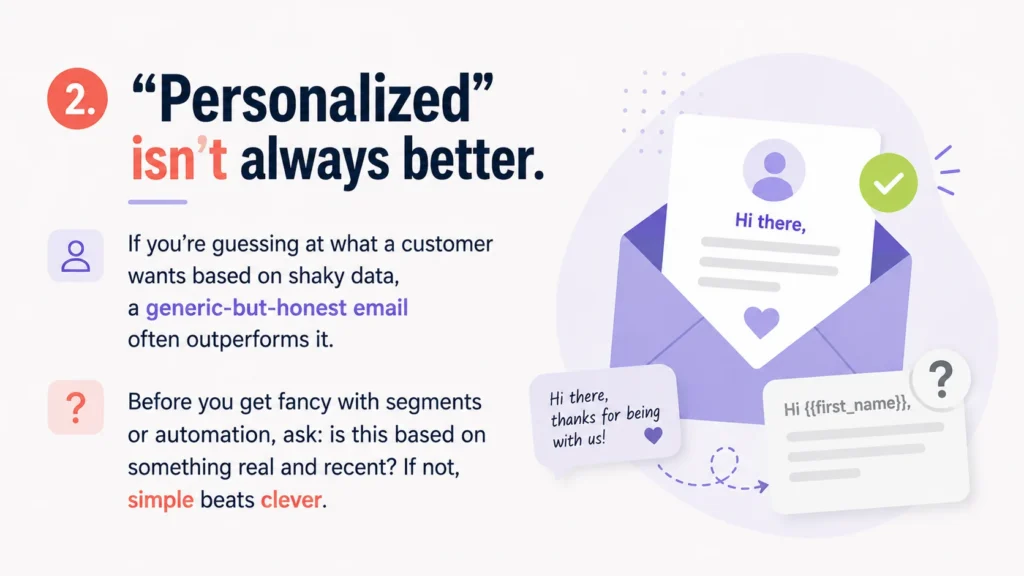
No. Personalization only improves an email when it is based on accurate, relevant, and reasonably recent information.
A first-name field does not automatically make a message feel personal. Neither does recommending a product based on an old purchase or assigning someone to a segment built from incomplete data.
Poor personalization can create awkward messages such as:
- “Hi {{first_name}}”
- Recommendations for something the customer already purchased
- Offers based on outdated interests
- Follow-ups that ignore a recent interaction
- Local content sent to the wrong location
In these situations, a simple and honest message may perform better because it does not pretend to know more about the recipient than it actually does.
What makes personalization useful?
Before adding a personalized element, ask:
- Is the underlying information accurate?
- Is it recent enough to remain relevant?
- Does it meaningfully improve the message?
- What will the recipient see if the data is missing?
- Would the email still make sense without it?
Good personalization is not about inserting more customer data. It is about using the right information to make an email more useful.
If you cannot explain why a personalized element helps the recipient, it probably does not belong in the message.
3. Is a smaller email list sometimes better?
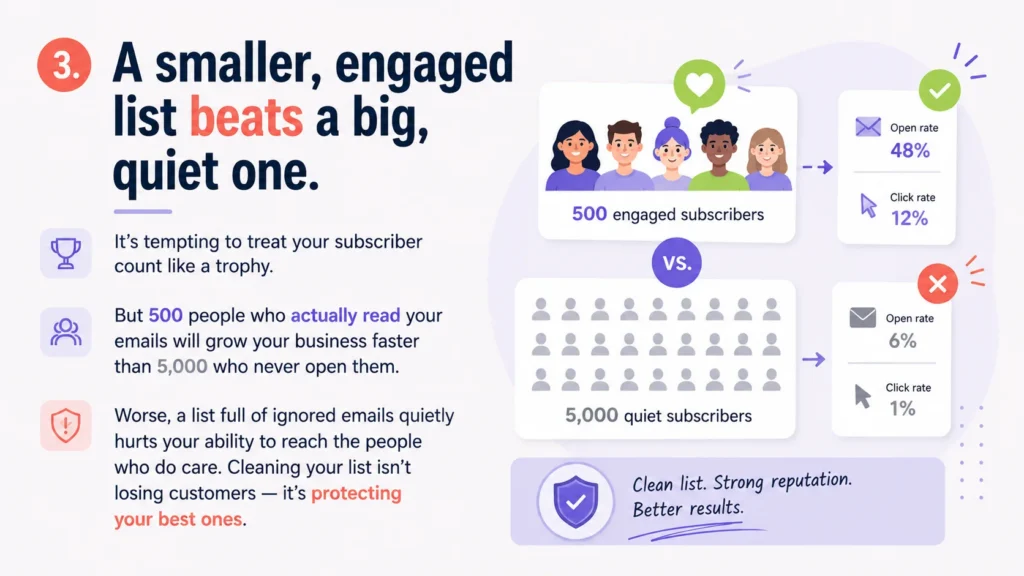
A smaller, engaged email list can be more valuable than a much larger list filled with people who rarely open, click, reply, or purchase.
Imagine two businesses:
- One has 500 subscribers who regularly interact with its emails.
- The other has 5,000 subscribers, but most have not engaged for a year.
The second business has the larger list, but the first may generate more meaningful results. Its campaigns reach people who recognize the sender, want the content, and are more likely to take action.
Inactive contacts can also make it harder to understand performance. They reduce engagement rates, obscure which messages resonate, and may contribute to deliverability problems over time.
Does list cleaning mean deleting everyone who has not opened recently?
No. Open data is imperfect and should not be your only signal.
Before suppressing inactive contacts, consider:
- Recent clicks
- Replies
- Purchases
- Website activity
- Account logins
- Signup date
- Customer status
- The normal buying cycle for your business
Someone who purchases once every six months should not necessarily be treated like someone who joined three years ago and has never interacted.
A sensible list-cleaning process normally includes:
- Defining inactivity based on your business cycle.
- Identifying contacts with no meaningful recent engagement.
- Sending a re-engagement campaign.
- Suppressing contacts who remain inactive.
- Continuing to monitor engagement and list sources.
Cleaning your list is not about throwing customers away. It is about protecting your ability to reach the people who still care.
Why these tactics feel counterintuitive
Marketers are often encouraged to maximize visible numbers:
- More subscribers
- More personalization
- More automation
- More people retained on the list
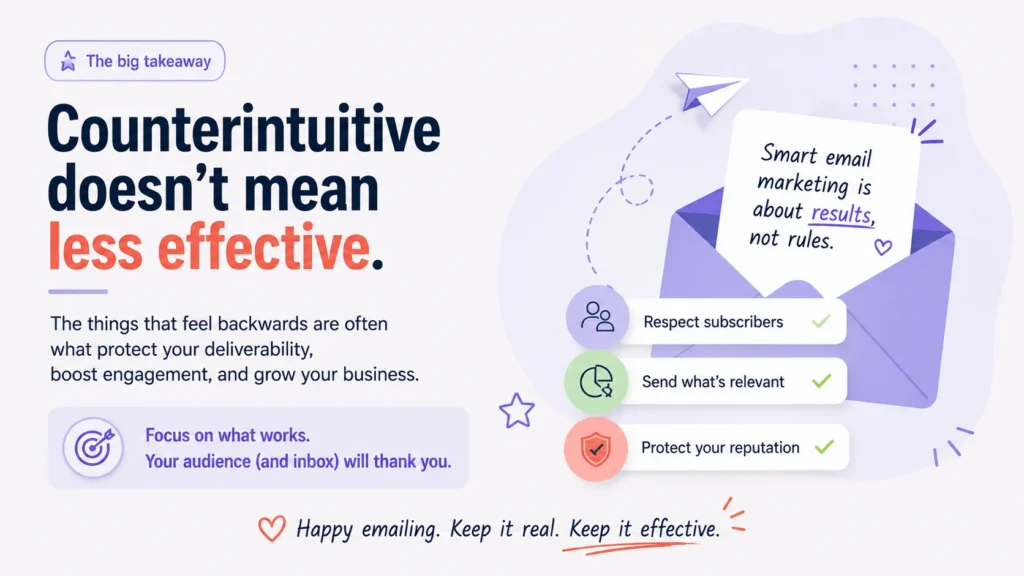
But bigger and more complicated do not automatically mean more effective.
The unsubscribe link respects the subscriber’s decision. Careful personalization respects the limits of your data. List cleaning respects the attention of the people who remain.
All three practices support the same principle:
Smart email marketing is measured by results, not by how many rules, contacts, or personalization fields you can accumulate.
A practical checklist
Before your next campaign, check the following:
- Can subscribers find the unsubscribe link without searching?
- Is every personalized element supported by reliable data?
- Does the email still work when optional customer information is missing?
- Are you measuring clicks, replies, conversions, and purchases—not opens alone?
- Have long-term inactive contacts received a re-engagement campaign?
- Are irrelevant contacts being suppressed from regular sends?
The strongest email programs are not always the largest or most elaborate. They are the ones that consistently send relevant messages to people who want to receive them.
Frequently asked questions
Is it bad to make the unsubscribe link prominent?
No. A clear unsubscribe link gives uninterested subscribers a safe way to leave and may reduce the chance that they report the message as spam.
Does personalization improve email open rates?
It can, but only when the personalization is accurate and relevant. Incorrect or superficial personalization may reduce trust rather than improve performance.
How often should an email list be cleaned?
There is no universal schedule. Review engagement regularly and define inactivity according to your sales cycle, sending frequency, and customer behavior.
Should inactive subscribers be deleted?
Not immediately. Consider sending a re-engagement campaign first. Contacts who remain inactive can then be suppressed so they stop receiving routine marketing emails.
Is a large email list always better?
No. List size matters less than list quality. A smaller audience that clicks, replies, purchases, or books appointments can produce better results than a large, inactive database.


 Your Privacy Choices
