
- Home
- Solving Problems
- How Do You Choose the Right Em ...




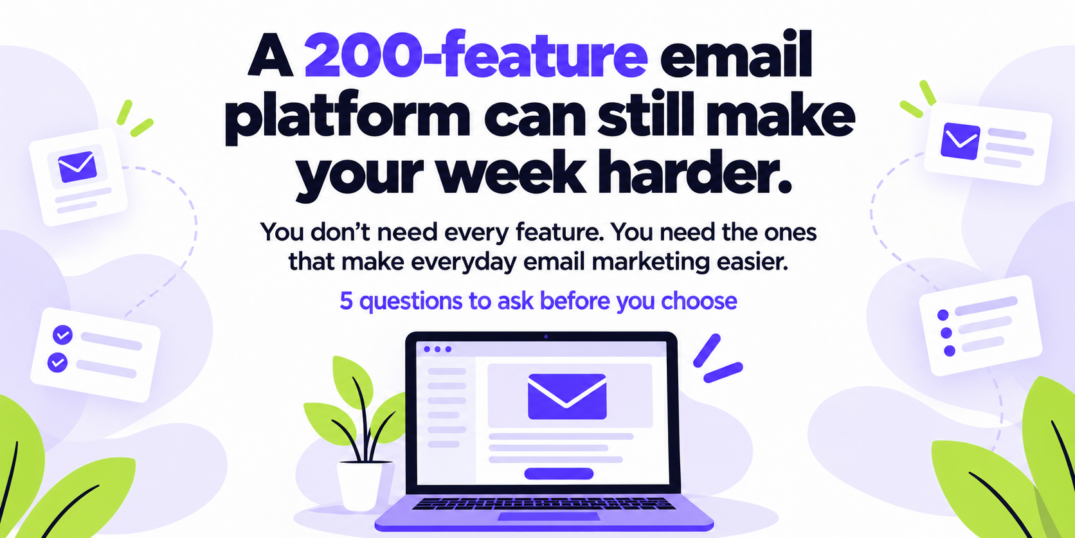
The right email marketing platform is not necessarily the one with the longest feature list. It is the one that makes the email tasks you perform regularly easier.
Before choosing a platform, check whether it helps you:
- Create professional emails without specialist design skills
- Organize contacts and automate follow-ups
- Find problems before sending
- Understand campaign results
- Predict how the price will change as you grow
A platform may advertise hundreds of features, but most small businesses rely on a much smaller set of tools every week.
Here is how to evaluate the features that will affect your everyday work.
What should you look for in an email marketing platform?
Start with the tasks you need to complete rather than the number of features available.
| Question to ask | Problem it helps you avoid |
|---|---|
| Can I create a professional email easily? | Complicated design tools can delay every campaign |
| Can I organize contacts and automate follow-ups? | Relevant emails require useful segmentation and repeatable workflows |
| Can I check emails before sending? | Small mistakes can damage results and credibility |
| Can I understand the reports? | Data is useful only when it helps you make a decision |
| Can I predict the future cost? | Pricing may change considerably as your contact list grows |
1. Can you create a professional email without a designer?
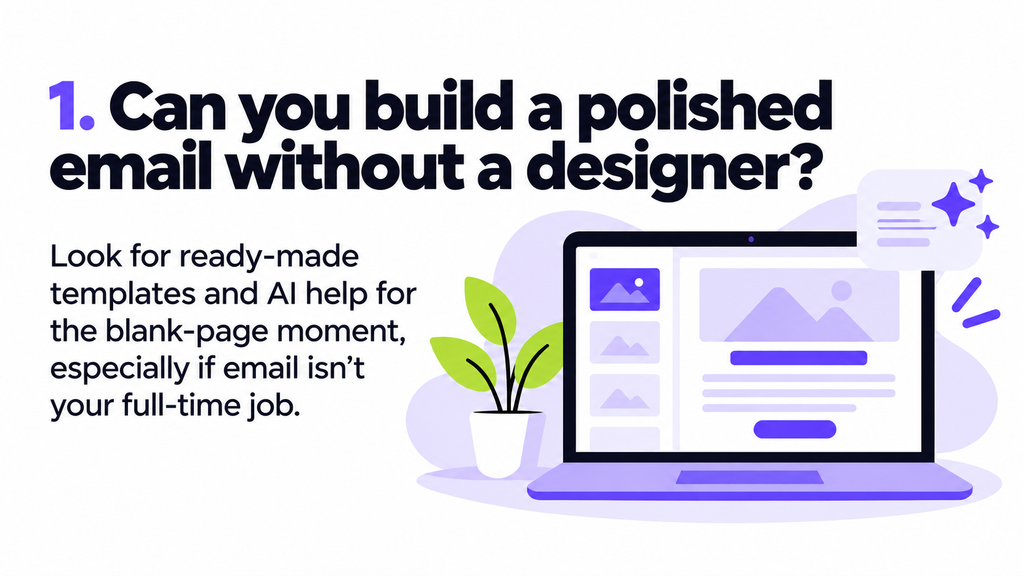
Most small business owners do not have a designer waiting to build every newsletter, product announcement, or appointment reminder.
Look for a platform that helps you move from a blank screen to a finished email without requiring design or coding experience.
Useful features may include:
- Responsive, ready-made templates
- A drag-and-drop email builder
- Reusable content blocks
- Mobile and desktop previews
- Brand colors and style settings
- An accessible image manager
- AI assistance for copy or layout
- The ability to send a test email
Templates are particularly helpful when email marketing is only one part of your job. A good template provides a reliable structure while still allowing you to adjust the content and design for your business.
AI can also help with the blank-page problem, but it should support your decisions rather than publish everything automatically. You should still be able to review and edit the result before sending.
Test this before choosing
Try creating one real email during the free trial or demonstration.
Do not follow the platform’s carefully prepared tutorial. Use an email you would genuinely need to send and see how long it takes to build, preview, and test.
2. Can you organize contacts and automate follow-ups?
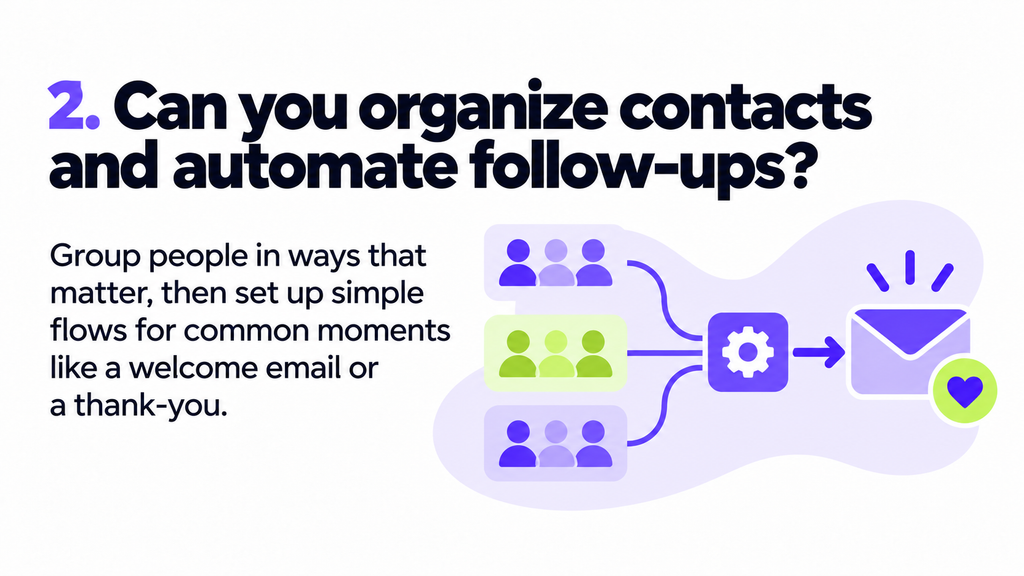
Sending the same message to everyone is simple, but it is rarely the most relevant approach.
Your platform should let you organize contacts based on information that matters to your business. Depending on your needs, that might include:
- New subscribers
- Past customers
- Recent buyers
- Location
- Product or service interests
- Engagement
- Signup source
- Customer status
The platform should also make common follow-ups easy to automate.
A simple automation might include:
- A customer joins a list or completes an action
- They receive a relevant email
- The system waits for a set period
- A follow-up is sent based on what happened next
Common examples include welcome emails, appointment reminders, post-purchase messages, abandoned-process reminders, and win-back campaigns.
You may not need an enormous automation system on your first day. You need a builder that makes the workflows you will actually use understandable.
Test this before choosing
Create a small group of contacts and build a basic welcome sequence.
Check whether you can easily understand:
- What starts the automation
- Which contacts enter it
- What each step does
- How long the delays are
- Whether the workflow is active
- How to stop or edit it
If a two-email sequence feels like programming an airport, the platform may be more complex than your business needs.
3. Can you check your email before you send it?
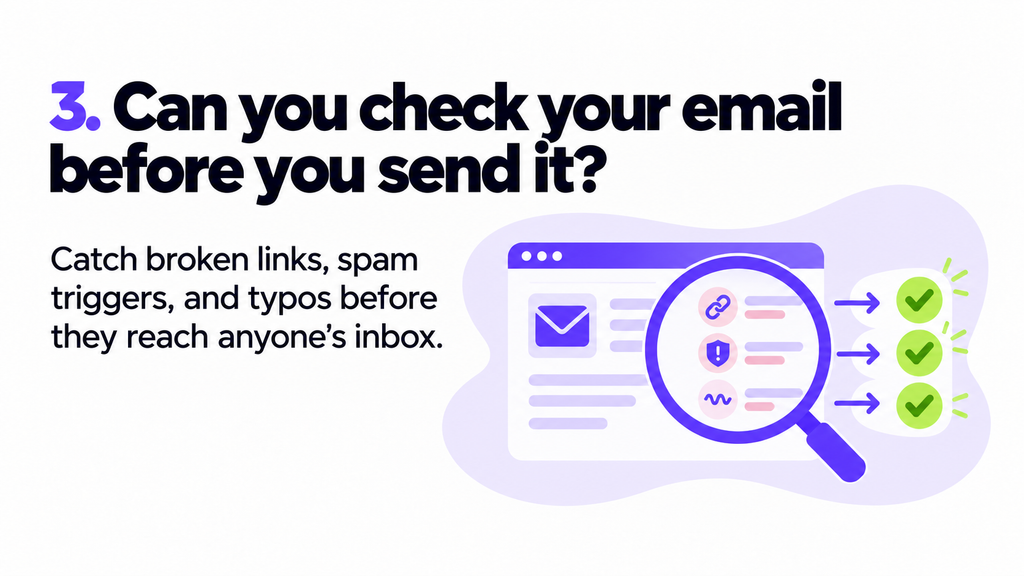
A polished design does not guarantee that an email is ready to launch.
A broken link, missing subject line, incorrect sender address, spam-related wording, or poorly configured domain can affect the campaign before subscribers even read it.
Look for tools that help you review:
- Sender and reply-to information
- Subject lines and preheaders
- Broken or missing links
- Personalization fields
- Contact selection
- Mobile and desktop appearance
- Spam-related issues
- Sending-domain configuration
- Campaign schedules
- Automation steps
Some platforms provide a checklist. Others include more detailed pre-send inspection tools.
The important question is whether the platform helps you notice avoidable problems while there is still time to fix them.
Test this before choosing
Build a campaign with a deliberate mistake, such as a missing link or incomplete sender detail. See whether the platform notices it and whether the warning explains how to correct it.
A warning that simply says “something is wrong” is less useful than one that tells you where the problem is.
4. Can you understand what happened after the campaign?
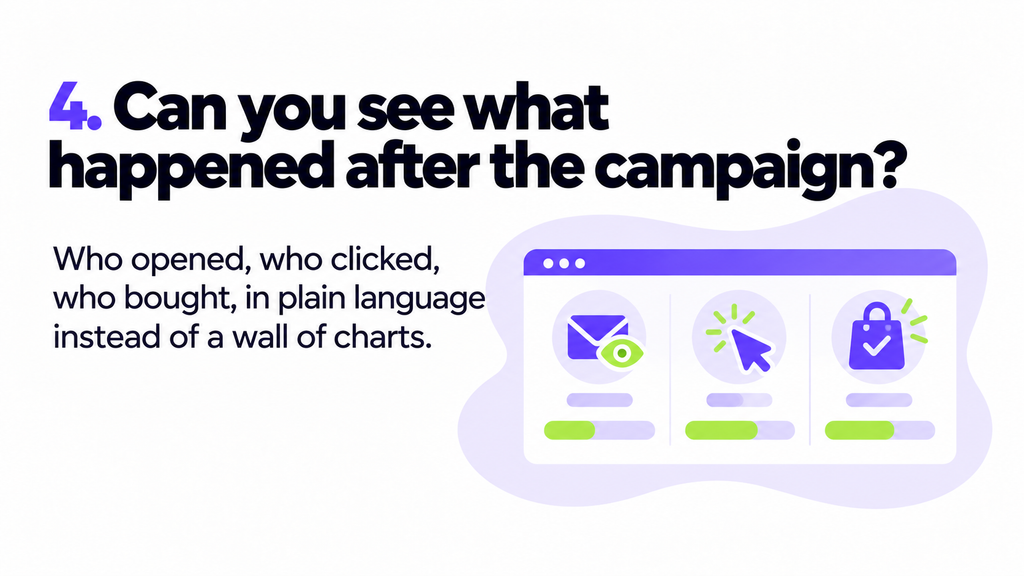
Reporting should help you decide what to do next.
At a minimum, you may want to see:
- Emails delivered
- Bounces
- Spam complaints
- Unsubscribes
- Clicks
- Replies
- Purchases, bookings, or other conversions
- Performance by campaign or automation
Open rates may provide some context, but they are not a perfect measure of reader interest. Privacy protections, image blocking, and automatic image loading can affect open tracking.
Clicks, replies, purchases, bookings, and other meaningful actions usually provide a clearer view of whether the email worked.
Good reporting should answer practical questions:
- Which links attracted attention?
- Which segment responded?
- Did the campaign produce sales or bookings?
- Where did people stop engaging?
- Should the next email repeat, change, or remove something?
A dashboard containing twenty charts is not automatically better than a simpler report that gives you useful answers.
Test this before choosing
Ask the vendor to show you an actual campaign report—not only a marketing screenshot.
Check whether you can find the most important result within a few seconds.
5. Do you know what you will pay when your list grows?
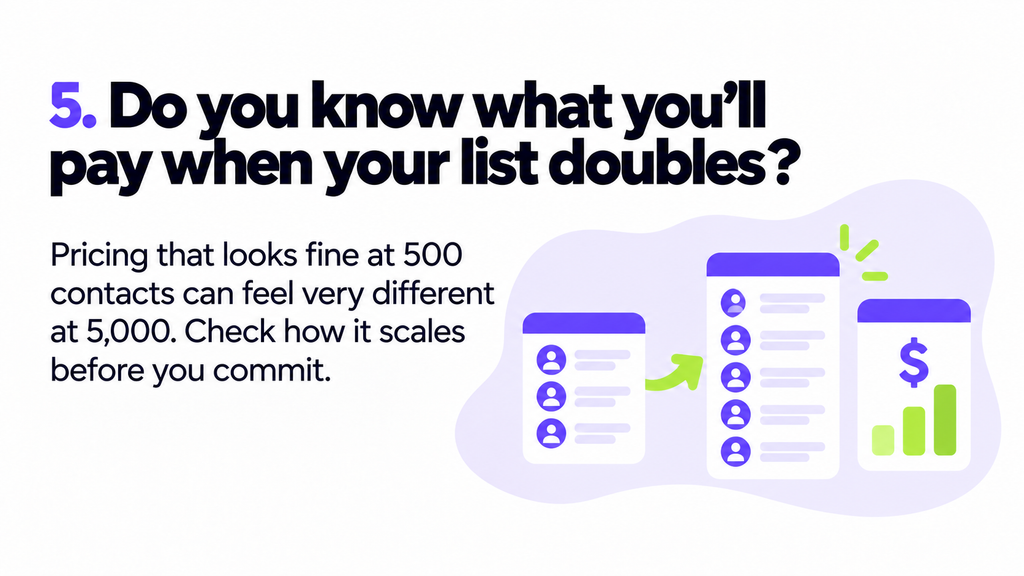
Email marketing pricing can look straightforward until your contact list or sending volume increases.
A plan that feels affordable at 500 contacts may become considerably more expensive at 5,000 or 10,000. Some providers charge according to stored contacts, while others focus on sending volume. Features, users, automation limits, and support levels may also affect the price.
Before committing, check:
- Whether pricing is based on contacts, emails sent, or both
- Whether unsubscribed or inactive contacts count toward the limit
- How the price changes at the next contact or sending tier
- Which features require a more expensive plan
- Whether automation usage is limited
- How many users are included
- Whether extra emails trigger an upgrade or overage charge
- Whether annual billing changes the rate
Estimate what you might pay at your current size and at two realistic future sizes.
Do not compare only the lowest advertised prices. Compare the plans that include the features and capacity your business will actually need.
Should you choose the platform with the most features?
Not usually.
A long feature list can be useful if you have a specialist team and complex requirements. For a smaller business, unused features may add more menus, setup decisions, and expense without improving results.
Prioritize the features that support your regular workflow:
- Creating emails
- Choosing recipients
- Scheduling or automating follow-ups
- Checking campaigns
- Understanding results
You can always adopt more advanced features as your strategy develops.
A simple checklist for comparing email marketing platforms
Before choosing, complete these tasks in every platform you are seriously considering:
- Build one real campaign
- Import a small test contact list
- Create a useful segment
- Build a two-email automation
- Preview the email on mobile and desktop
- Send yourself a test
- Check whether the platform identifies mistakes
- View a sample performance report
- Calculate the price at your current and expected future size
- Check the available support and integrations
Testing the complete process reveals much more than comparing feature pages.
The best platform should make the whole process easier
An email platform is not useful simply because it can do many things.
It is useful when it helps you move smoothly from an idea to a finished campaign—and from the campaign results to your next decision.
The right choice should help you:
- Build without unnecessary design work
- Send relevant messages to the right people
- Automate routine follow-ups
- Catch mistakes before launch
- Understand what happened afterward
- Grow without an unexpected pricing shock
A 200-feature platform can still make your week harder.
Choose the platform that makes the work you actually do simpler.
Frequently asked questions
What is the most important feature in an email marketing platform?
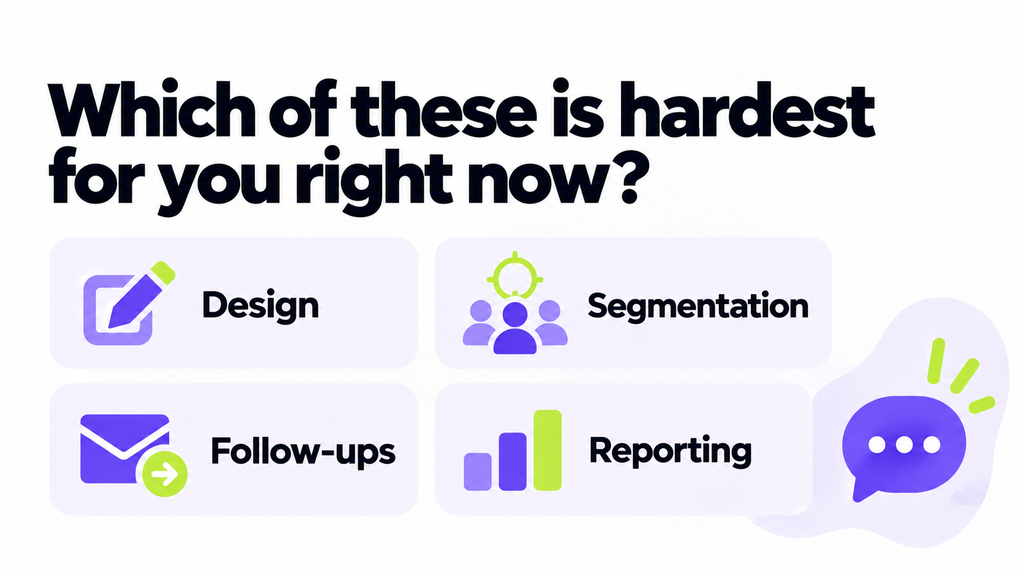
There is no single most important feature for every business. Start with the task that currently creates the most difficulty, such as design, segmentation, follow-ups, pre-send checking, or reporting.
How do I compare email marketing platforms?
Create the same campaign, contact segment, and basic automation in each platform. Then compare ease of use, pre-send checks, reporting, support, integrations, and the price at your expected future size.
Is a free email marketing plan enough for a small business?
It may be enough to start, but check its contact, sending, automation, template, reporting, and support limits. Also review what the paid plan will cost when you outgrow the free allowance.
Should email marketing pricing be based on contacts or emails sent?
It depends on how your business sends. Contact-based pricing may work for businesses that email most contacts frequently. Send-based pricing may be more economical when you maintain a larger database but contact only selected segments.
Do small businesses need email automation?
Not every email needs automation, but simple workflows can save time and provide more consistent follow-ups. Welcome emails, appointment reminders, post-purchase messages, and re-engagement sequences are common places to begin.




 Your Privacy Choices
