
- Home
- Targeted Tactics
- What’s next for Sendigram: O ...




Most small business owners don’t have an email marketer, designer, and developer on staff. They have themselves, a few free hours each week, and a contact list they know they should be emailing more often.
That’s who we’re building Sendigram for.
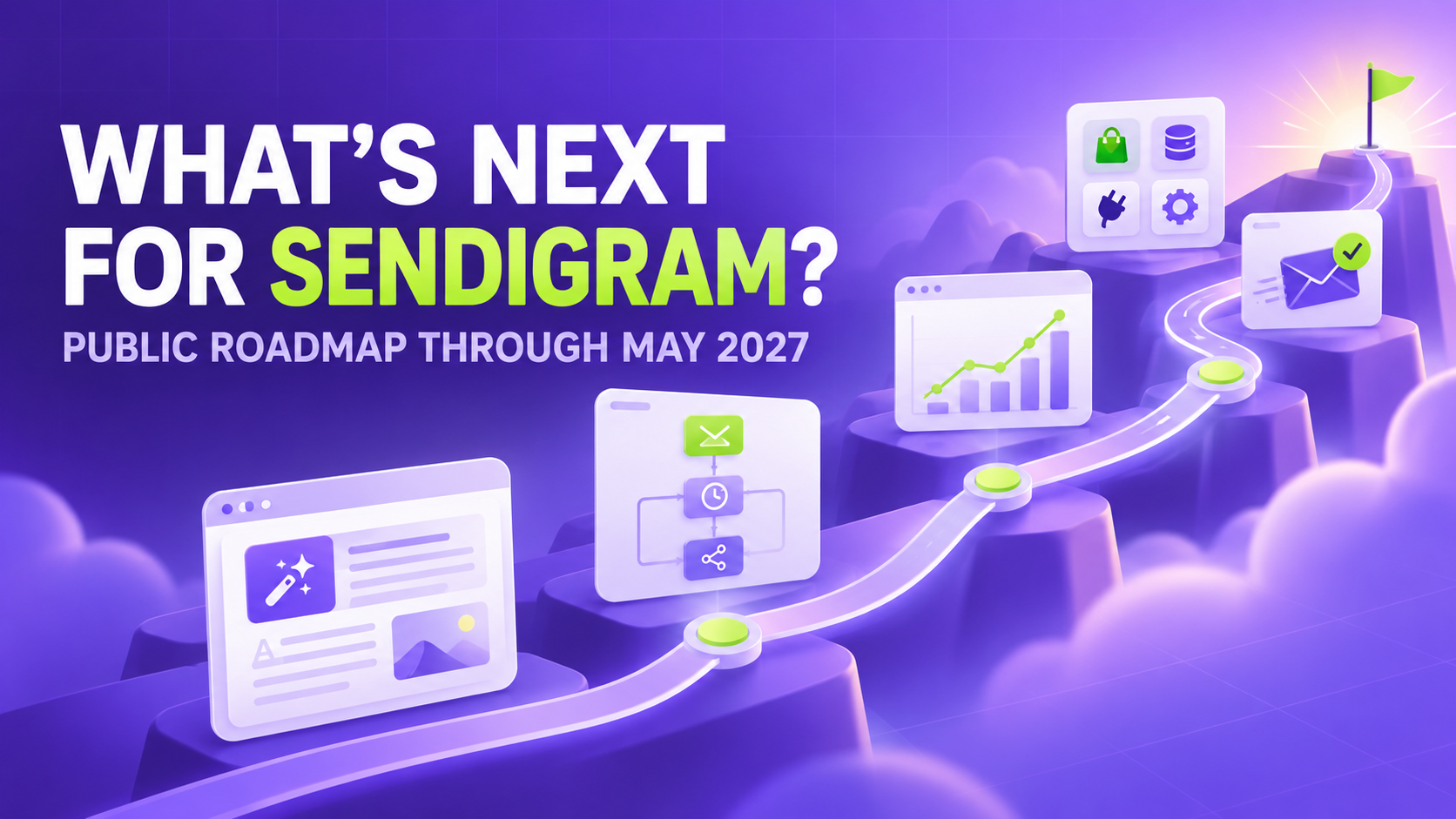
Our roadmap through May 2027 focuses on making it easier to create emails, build automations, connect your existing tools, and understand what to do next, without becoming an email marketing expert.
Here’s what we’re planning and where we’d like your input.
October – December 2026: Create, launch, and get answers faster
The first phase is about removing the blank page and helping users move from an idea to a working campaign or automation.
Create campaigns and automations with AI
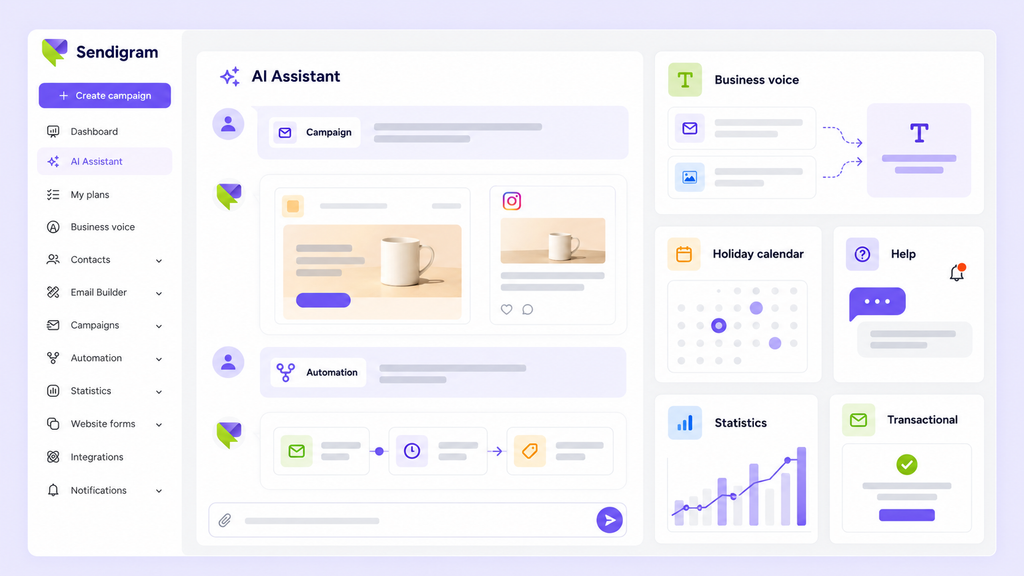
The AI Assistant for campaigns will ask you a few questions and help you build an email campaign in chat. For automations, you’ll be able to describe your goal and follow guided steps to create the right flow.
We’re also working on Sender Voice. You’ll be able to use your existing emails or social media posts as references, helping Sendigram generate emails that sound like your business rather than a generic template.
The new Holiday Calendar will show upcoming holidays and events and remind you when it’s time to start preparing a relevant campaign.
Get help without leaving your work
The AI Help Assistant will let you ask questions directly inside Sendigram instead of searching through help articles. New notifications will highlight important events and recommend what to do next.
We’re also expanding campaign and automation statistics. You’ll be able to view their results separately and examine individual automation steps to understand what is working and where contacts are dropping out.
This phase will also introduce transactional emails, allowing businesses to send messages such as password resets and receipts through Sendigram and view their delivery history and results.
January – March 2027: Connect your tools and know what to do next
The next phase focuses on bringing more customer data into Sendigram, helping users decide what to send, and making email results easier to understand.
Collect contacts from the tools you already use
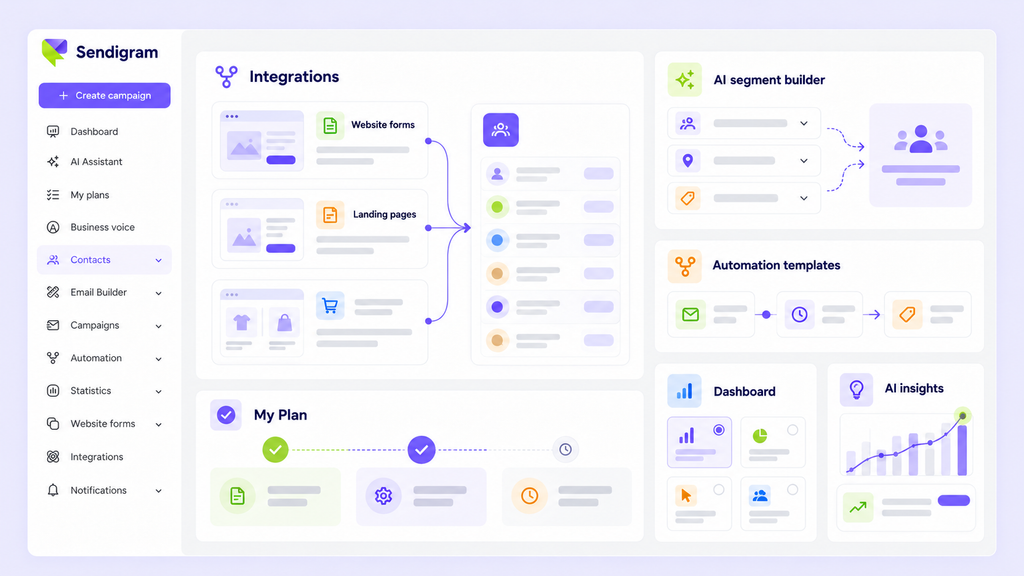
Planned integrations with Shopify, WooCommerce, and Webflow will help businesses collect contacts from their existing websites.
We’re also exploring connections for websites built with tools such as Claude Code, Codex, and Gemini. These connections will make it easier to send form submissions directly to a Sendigram contact list.
For businesses that need a new way to collect subscribers, the landing page builder will make it possible to publish a page with a signup form and share its link, even without a website or custom domain. A separate website form builder will let users create forms for their existing sites.
Planned CRM integrations will help keep contact information synchronized and pass relevant events between Sendigram and selected CRM tools. Social media integrations will offer more ways to bring subscribers into Sendigram and trigger messages based on activity in your email marketing or on your website.
Get a practical next step
My Plan will provide a practical email marketing plan based on what your business has already set up. It will show you what to work on and which campaigns to send next.
Ready-to-use automation templates will provide a starting point for common goals and include draft emails that you can customize. Instead of creating every audience filter manually, you’ll be able to choose from segment templates or describe the audience you want to reach using the AI segment builder.
A customizable dashboard will let you choose which statistics and indicators are most important to your business.
Understand what your results mean
Real-time activity will show important campaign and automation events as they happen. Custom conversion metrics will help connect email performance to meaningful actions, including purchases, registrations, demo requests, and downloads.
AI insights will appear directly on campaign statistics pages and inside automations, providing analysis and practical recommendations where you’re already working. You’ll also be able to ask the AI Statistics Assistant what has changed across your results and receive a summary with suggested next steps.
Planned predictions and trend reports will help you see where your results may be heading and identify patterns across your email activity.
April – May 2027: Give every email a better chance
The final phase of this roadmap focuses on improving individual emails: from targeting and testing to design and delivery.
Send the right version to the right people
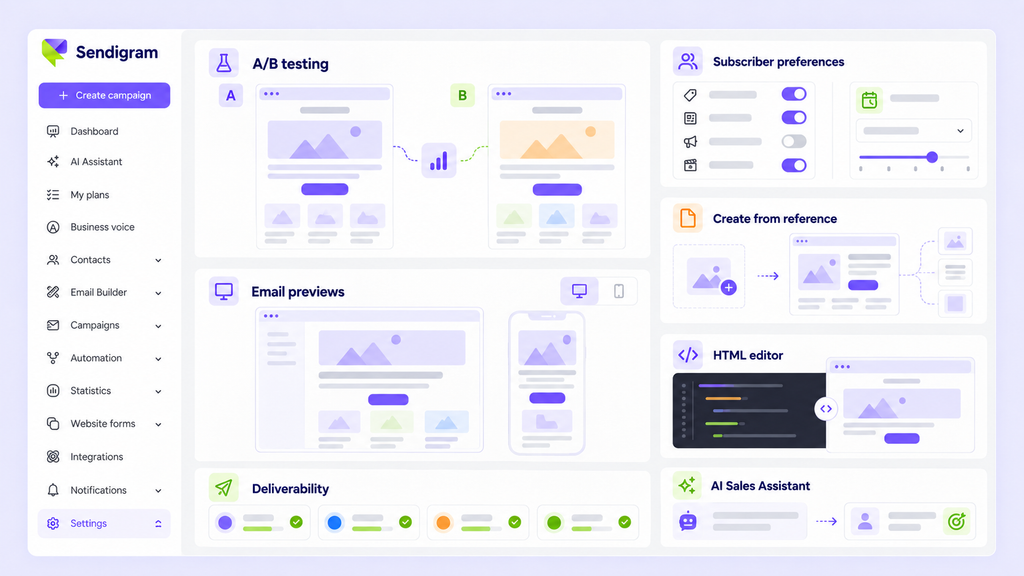
With subscriber preferences, contacts will be able to choose the topics they want to receive and how often they want to hear from you. You’ll then be able to organize and target contacts based on those choices.
A/B testing for campaigns will let you compare two campaign versions and use the results to improve future emails.
We also plan to introduce deliverability statistics by mailbox provider, so you can see how your emails perform across services such as Gmail, Outlook, and Yahoo instead of relying only on an overall delivery rate.
Before sending, email previews will show how your message looks in different email clients.
Create and edit emails your way
You’ll be able to create an email using an image, design mockup, or HTML file as a reference. A new HTML editor will make it possible to apply targeted changes to an email’s code directly inside Sendigram.
We’re also planning a clearer and more organized Settings area to make account management easier.
Finally, we’re exploring an AI Sales Assistant that could help interested email recipients get answers and move toward a purchase or another business goal.
Help us decide what comes first
This roadmap shows what we’re currently planning and exploring. Scope and timing may change as we learn from customers.
Which feature would make the biggest difference to your business? Tell us which one you would use and why by a DM or a comment on LinkedIn. Your feedback will help us decide what to prioritize.




 Your Privacy Choices
