
- Home
- Comparing Alternatives
- Best Transactional Email Servi ...


What happens when a signup confirmation never arrives? You lose a trial user. And a password reset that shows up ten minutes late? That’s a support ticket. So how do you pick the right provider? Well, we compared all five on stream separation, authentication, analytics, and pricing, and listed the pros and cons of each. The best transactional email services for SaaS in 2026 are Mailtrap, Twilio SendGrid, Postmark, Mailgun, and Amazon SES.
Best Transactional Email Services for SaaS at a Glance
A transactional email service is a platform that sends one-to-one, user-triggered messages such as password resets, receipts, and verification codes over infrastructure kept separate from marketing traffic.
Mailtrap is the strongest default for most SaaS teams, with stream separation on every plan, automatic DKIM rotation, and a free tier of 4,000 emails a month. Amazon SES is the cheapest option at $0.10 per 1,000 emails, as long as your stack already lives on AWS.
| Provider | Best for | Free tier | Starting price |
|---|---|---|---|
| Mailtrap | Stream separation and multi-tenant SaaS | 4,000 emails/mo | $15/mo (10,000 emails) |
| Twilio SendGrid | Scale and unified billing with Twilio SMS | 60-day trial, 100 emails/day | $19.95/mo (50,000 emails) |
| Postmark | Speed-critical sends like login codes | 100-email trial | $15/mo (10,000 emails) |
| Mailgun | Email validation and inbound routing | 100 emails/day | $15/mo (10,000 emails) |
| Amazon SES | Lowest cost on AWS | 3,000 emails/mo for 12 months (via EC2) | $0.10 per 1,000 emails |
- Choose Mailtrap when you want transactional and bulk traffic isolated by default, or you send on behalf of multiple customers.
- Choose Twilio SendGrid when you already pay Twilio for SMS and want one invoice.
- Choose Postmark when a delayed magic link means a lost user.
- Choose Mailgun when you need pre-send address validation, inbound routing, or an EU data region.
- Choose Amazon SES when cost per email is the deciding factor and your engineers are comfortable assembling their own monitoring.
How to Choose a Transactional Email Service for SaaS
Five things decide which provider fits:
- Stream separation: Look for a service that keeps transactional and bulk traffic on separate IPs. A marketing campaign with a bounce spike then can’t suppress your signup emails.
- Authentication: SPF, DKIM, and DMARC setup should be guided or automatic.
- Analytics and logs: Pick a service with per-mailbox-provider stats and enough log retention to debug a problem a customer reported last week.
- Price at your volume: Compare the cost at 100,000 emails a month, not the entry tier.
- Support: You’ll want a human at 2 a.m., when verification codes stop arriving.
Important: the provider you pick should meet security standards like SOC 2 or ISO 27001 and handle data in line with GDPR. Enterprise buyers will ask.
1. Mailtrap: Best for Stream Separation and Multi-Tenant SaaS
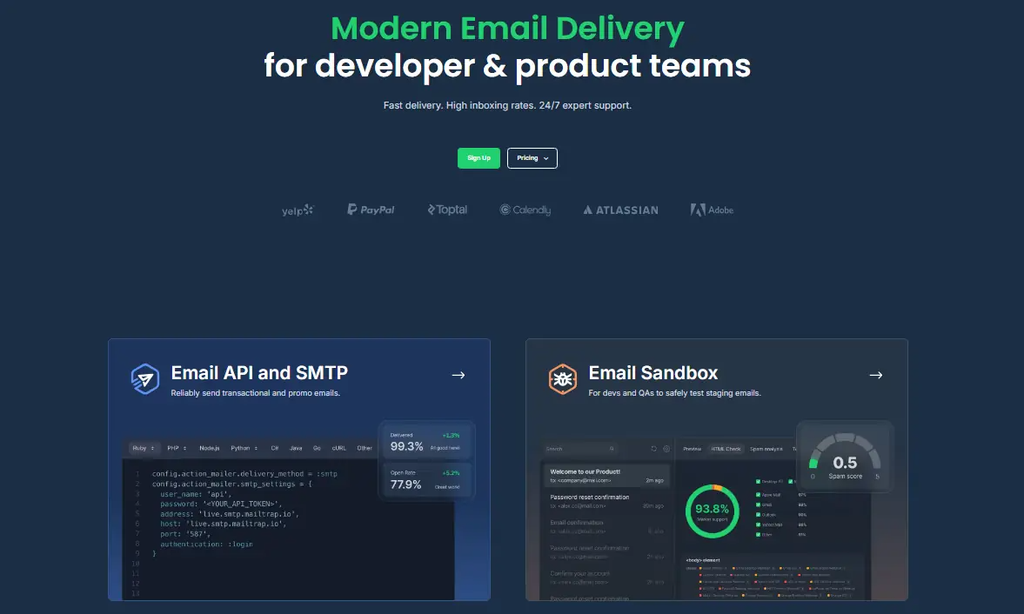
Mailtrap is an email delivery platform built for developers and product teams. Its transactional SMTP API service combines a REST Email API with an SMTP relay, so you can start with whichever your stack already speaks. Transactional and bulk streams run on isolated IP pools by default, on every plan including the free one. So a product announcement with a bounce spike never touches the reputation your password resets depend on.
If you send on behalf of customers, the SaaS safeguard on Business and Enterprise plans contains one tenant’s bad sending before it reaches the rest of your account. Built-in email inbound processing covers the other direction: your app gets a hosted inbox, a webhook when a message arrives, and the parsed email as JSON, using the same API token you send with. It’s available on the free plan. Mailtrap is a good fit if you want deliverability handled for you without hiring someone to watch it.
Mailtrap Key Features
- Automatic authentication: SPF, DKIM, and DMARC configure themselves once you add the DNS records, and DKIM keys rotate every month.
- Analytics by mailbox provider: Delivery stats break down by Gmail, Outlook, and Apple Mail, and bounces are categorized as hard, soft, or transient.
- Reputation controls: Spam complaint data from 20+ ISP feedback loops appears in your stats, and Business plans add real-time reputation alerts.
- Developer tooling: 8 official SDKs (Node.js, PHP, Ruby, Python, Java, .NET, Go, Elixir), webhooks with 40 retries, and an MCP server for Claude, Cursor, and VS Code.
- Compliance: ISO 27001, SOC 2 Type II, and GDPR, which procurement teams ask about once you sell upmarket.
Mailtrap Pros and Cons
Pros:
- Setup takes about five minutes.
- The free plan never expires and includes the API, SMTP relay, inbound email, and webhooks.
- Mailtrap holds a 4.8/5 rating on G2.
Cons:
- It’s email only, so there’s no SMS or push.
- Click tracking, dedicated IPs, and 24/7 live support sit on paid plans.
- The free plan caps sending at 150 emails a day.
Mailtrap Pricing
Mailtrap prices by monthly email volume, and higher tiers add features like a dedicated IP.
- Free plan: 4,000 emails a month, no expiry.
- Paid plans start at $15/month for 10,000 emails.
- Business: $85/month for 100,000 emails, with a dedicated IP and automatic warmup.
- Enterprise: from $750/month for 1.5 million emails.
2. Twilio SendGrid: Best for Scale and Twilio Ecosystems
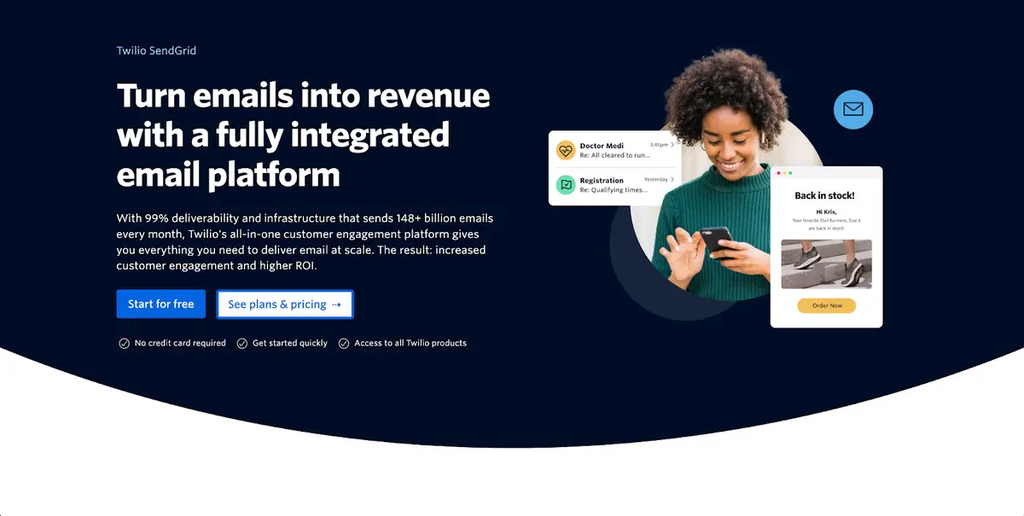
Twilio SendGrid is one of the oldest names in the category, and the feature set shows it: dedicated IPs, subusers, IP pools, and integrations with most tools you already run. Email API (transactional) and Marketing Campaigns are separate products, so teams that need both pay for two plans. It’s a good fit if you already run SMS through Twilio, and nearly every framework has a community integration for it.
Twilio SendGrid Key Features
- Wide SDK coverage: Libraries for JavaScript, Ruby, Python, Go, PHP, Java, and C#.
- Dynamic templates: Server-side Handlebars templating for personalized sends.
- Subuser accounts: Useful for agencies and multi-brand products once configured.
- Dedicated IPs: Available as a paid add-on.
Twilio SendGrid Pros and Cons
Pros:
- The biggest integration ecosystem on this list.
- Email, SMS, and voice on one Twilio bill.
Cons:
- Stream separation needs manual IP pools or subusers.
- DKIM rotation is your job.
Twilio SendGrid Pricing
SendGrid tiers its plans by monthly volume, and Marketing Campaigns is billed on top.
- Free trial: 100 emails a day for 60 days.
- Essentials: from $19.95/month for 50,000 emails.
- Pro: $89.95/month for 100,000 emails.
3. Postmark: Best for Speed-Critical Sends
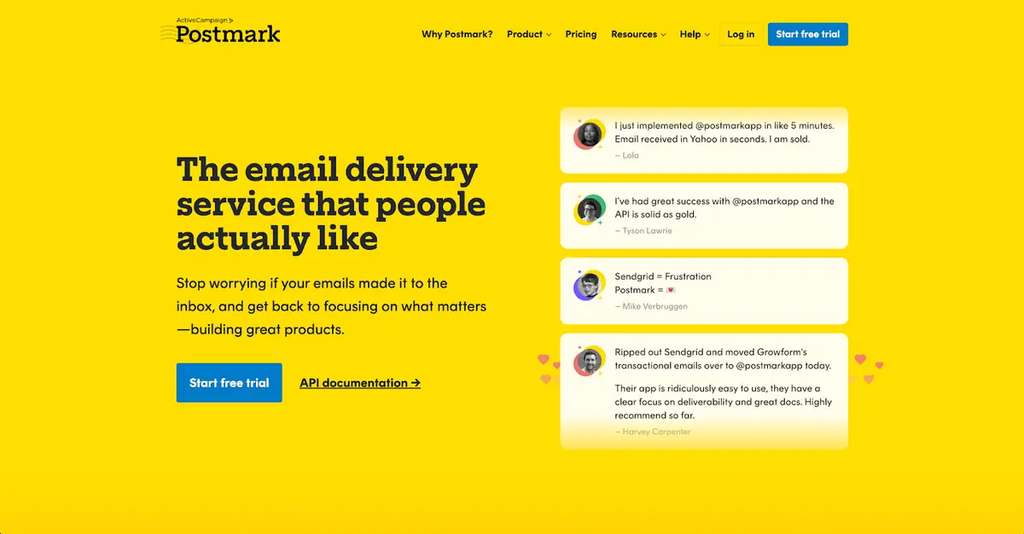
Postmark started as a transactional email service and now also offers email marketing. Message Streams keep both on separate infrastructure, so a broadcast never delays the login code queued behind it. Every new account goes through a manual review before live sending opens, which keeps the shared IP pools clean. Postmark is a good fit if magic links and OTPs run your onboarding.
Postmark Key Features
- Message Streams: Transactional and broadcast traffic isolated at the infrastructure level.
- 45-day activity logs: The longest retention on this list, with webhooks and tracking on every plan.
- Bounce handling: Hard bounces, soft bounces, and spam complaints are classified and suppressed automatically.
- Bulk API: Define message content once and send it to thousands of recipients in a single call.
Postmark Pros and Cons
Pros:
- Fast delivery for magic links and OTPs.
- No feature gating between plans.
Cons:
- There’s no permanent free tier.
- Dedicated IPs ($50/month) only unlock at 300,000 or more emails a month.
Postmark Pricing
Postmark prices by monthly volume and includes every feature on every plan.
- Free trial: 100 emails.
- Paid plans start at $15/month for 10,000 emails.
- At 125,000 emails, the bill reaches about $138/month.
4. Mailgun: Best for Validation and Inbound Routing
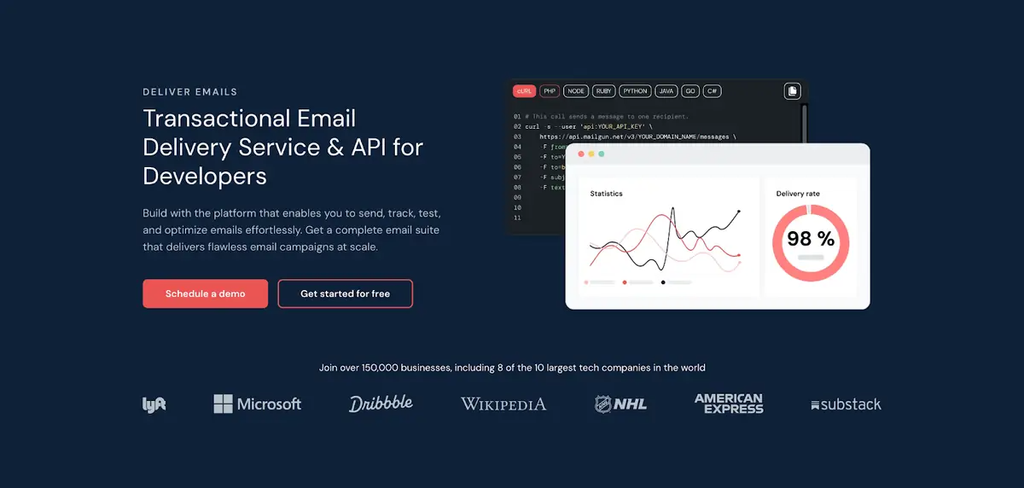
Mailgun is an API-first service for engineering teams that want to control how email moves through their system. Its validation API checks addresses against DNS and MX records and disposable-domain lists before you send, which cuts hard bounces from sloppy signup forms. That helps any SaaS with a free trial, where mistyped addresses are common. Mailgun is a good fit if you want fine-grained routing and don’t mind a developer-heavy setup.
Mailgun Key Features
- Inbound routing: Regex-based parsing sends incoming email to the endpoint you choose.
- Regional options: EU and US data regions for teams with GDPR requirements.
- Domain-level isolation: Separate sending domains and per-domain API keys keep customers apart.
- Batch sending: Up to 1,000 recipients per API call, with per-recipient variables.
Mailgun Pros and Cons
Pros:
- Built-in email validation.
- Granular routing control.
Cons:
- Setup assumes developer comfort.
- Dedicated IPs cost $59/month, the highest on this list.
Mailgun Pricing
Mailgun uses tiered monthly plans based on email volume.
- Free plan: 100 emails a day.
- Paid plans start at $15/month for 10,000 emails.
- $35/month for 50,000 emails, and $90/month for 100,000.
5. Amazon SES: Best for Low Cost on AWS
Amazon SES is the cheapest option here by a wide margin, and it rewards teams already running on AWS. It gives you a sending pipe and very little else, so you budget engineering hours instead of dollars. New accounts start in a sandbox limited to verified addresses until AWS approves your request to leave it. It’s hard to beat on price if someone on your team will own the plumbing.
Amazon SES Key Features
- AWS-native integration: SMTP credentials and SDKs across every AWS language, with IAM roles you already use.
- Event destinations: Delivery events flow through SNS and CloudWatch, so you build the logging you need.
- Paid add-ons: The Virtual Deliverability Manager and dedicated IPs cost extra.
Amazon SES Pros and Cons
Pros:
- No monthly minimum.
- The lowest cost at any volume.
Cons:
- Analytics and bounce suppression are mostly DIY.
- Production access approval can delay a launch.
Amazon SES Pricing
Amazon SES is pay-as-you-go, with no monthly minimum.
- $0.10 per 1,000 emails.
- Free tier: 3,000 emails a month for the first 12 months when you send from EC2.
- Dedicated IPs: $24.95/month.
To Sum Up
Choosing the best transactional email service for SaaS comes down to what your product sends and who it sends for. Mailtrap suits most teams, with isolated streams, automatic SPF, DKIM, and DMARC handling, and bounce data by mailbox provider built in. Amazon SES wins on price if you’re on AWS. Postmark leads on speed, Mailgun on validation, and Twilio SendGrid on ecosystem reach. Now, it’s up to you. Look at your sending volume, your stack, and whether you send on behalf of customers. Then start on a free tier and test sender reputation, logs, and bounce handling before you commit.


 Your Privacy Choices
