Email & contact metrics
When you log into Sendigram, the first screen you see is the Dashboard. It provides a quick overview of the most important results from your campaigns and the current state of your contact lists. The Dashboard helps you monitor performance, spot trends, and make data-driven decisions.
1. Email Campaign Metrics
These indicators show how your recent mailings are performing:
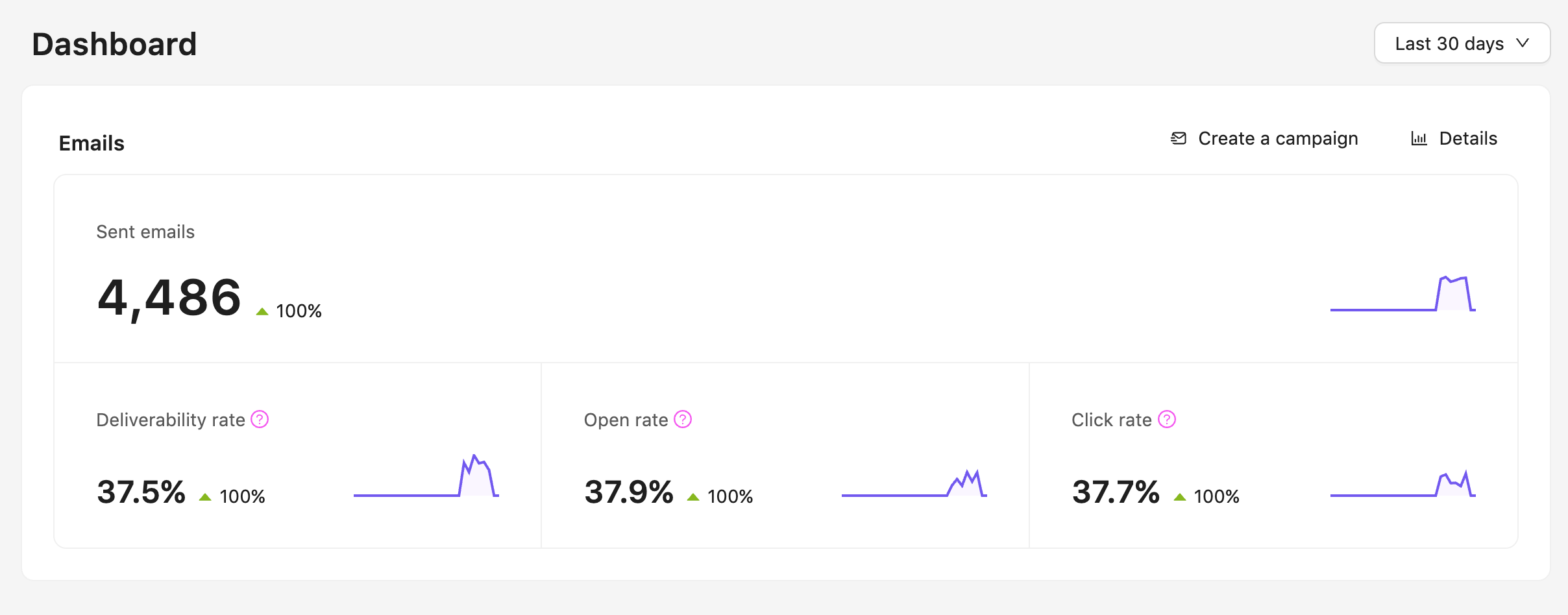
- Sent emails – the total number of messages successfully sent during the selected period.
- Deliverability rate (%) – the percentage of messages that reached recipients' inboxes (excluding bounces).
- Open rate (%) – the percentage of recipients who opened your emails. This shows how effective your subject lines and sender reputation are.
- Click rate (%) – the percentage of recipients who clicked on links inside your email. This metric reflects engagement with your content.
You could switch between the 30 days view and the 7 days view using the dropdown menu in the top right corner of the section. If you want to access more detailed statistics, click 'Details' at the top right corner of the section.
2. Contacts
The Dashboard also provides insights into your subscribers:
- Total number of contacts – the size of your contact base.
- Subscribed – the amount of people who subscribed to your emails during the chosen time period.
- Unsubscribed – the amount of people who unsubscribed from your emails during the chosen time period.
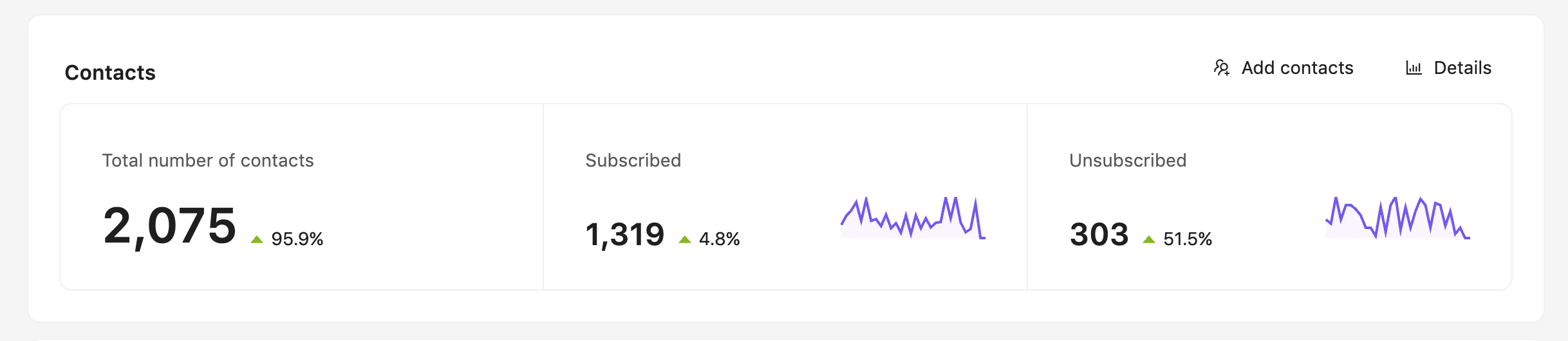
You can find more detailed statistics by clicking 'Details' at the top right corner of the section.
3. Finance
The Finance section of your gives you a clear snapshot of your ecommerce performance for the selected time period. Please, remember, that in order to activate this section you need to connect the 3rd-party CRM system you use to Sendigram EMS.
The section includes three key metrics:
- Total revenue – the total amount of money generated from all purchases within the chosen date range. This helps you understand how much income your campaigns are driving.
- Total number of purchases – the total number of completed orders during the selected period. Each successful checkout counts as one purchase.
- Order Rate – The percentage of recipients who made a purchase, based on the number of emails delivered. This shows how effectively your email campaigns are converting subscribers into customers.
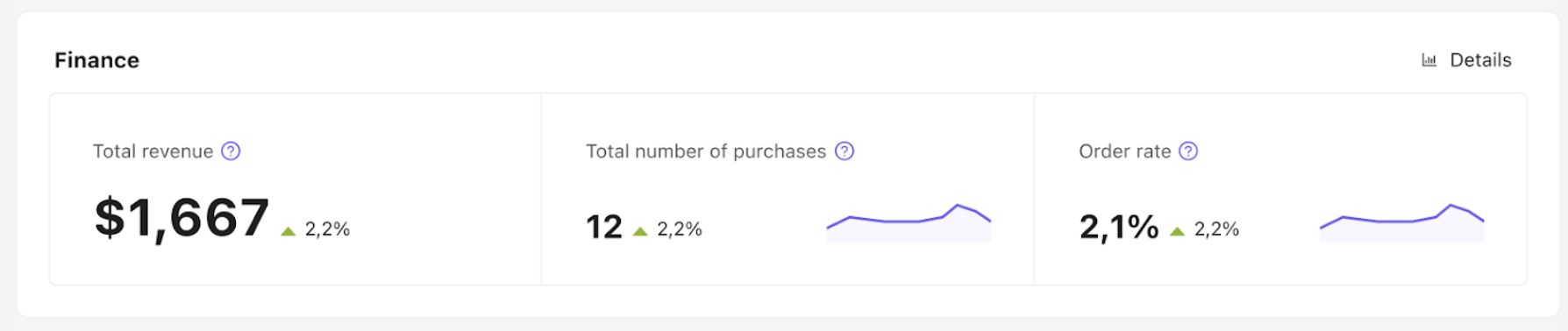
You can find more detailed statistics by clicking 'Details' at the top right corner of the section.
Use these metrics together to track the financial impact of your email marketing campaigns and identify opportunities to improve performance.